Annual Report 2024 - 2025
Table of Contents
01 Message from Vice President Johri
02 AI Strategy
Departments
04 Technology Service Desk
05 Technology Support Services
06 Classroom Technologies, Unified Communications, Operations, and Networks
07 Digital Accessibility
10 Planning and Digital Transformation, DXI Hub
14 Enterprise Applications and Information Systems
16 Information Security and Privacy Office
18 Infrastructure Services
22 Project Management Office
23 Office of the Vice President for IT and CIO
Division Activities
26 Campus High Fives
27 Events and Celebrations
29 Community Engagement

Dr. Bao Johri
Vice President for IT and CIO
This year has reaffirmed the strength, resilience, and impact of the Technology Services Division, a mission-driven team that works harmoniously with a collaborative spirit, which drives our success. Each of you has contributed with skill, focus, and heart. I hope you see yourselves in the successes highlighted throughout this report, because every milestone reflects your commitment and collaboration.
Building on a foundation of teamwork, we made significant progress across multiple IT initiatives. We completed a comprehensive network infrastructure refresh, enhancing campus connectivity and overall system resilience. In tandem, we advanced our device oversight with unified endpoint management and successfully transitioned to the ManageEngine platform, modernizing our IT service management operations. We strengthened our administrative systems, enhancing PeopleSoft security and implementing improved change control procedures. Additionally, we rolled out critical operating system upgrades to ensure performance and security across key platforms.
On the academic front, we transitioned students to CSU Learn, providing a more streamlined and accessible learning experience. Finally, we played a crucial role in supporting the FAFSA simplification for the 2024–2025 awards cycle, helping to make the financial aid process more efficient. In total, we successfully delivered 55 projects, all while continuing the day-to-day work that keeps Fresno State running. These are more than project completions—they are a testament to a team that shows up daily with purpose, professionalism, and care.
Fresno State’s AI Initiative continues to evolve, laying the groundwork for a thoughtful, responsible framework centered on four strategic pillars: teaching, research, workforce development, and community engagement. These reflect our vision of using AI to drive innovation, enhance academic excellence, and deliver meaningful societal impact. We introduced the Zoom AI Companion Suite, launched the Bulldog Genie platform, started an AI-driven Service Desk agent, enabled access to ChatGPT, and hosted our colleagues for a powerful AI Immersion Day. These efforts, guided by our AI governance structure, ensure that our approach remains ethical, inclusive, and aligned with University values.
As we move forward, our focus is on building a cohesive, AI-enabled ecosystem that supports student success, innovation, and institutional impact. We’ll strengthen partnerships, promote AI literacy, and invest in people and technology through practical training and data-driven tools—ensuring an intentional and scalable digital transformation.
Thank you for your dedication and commitment. Let’s keep the momentum going as we lead with integrity, purpose, and impact.
Bao Johri, Vice President for IT and CIO
AI Strategy
Our AI strategy is built on four pillars that transform teaching, research, workforce
development, and community engagement. These pillars embody our commitment to harnessing
AI for academic excellence, workforce innovation, and societal impact. Privacy and
data protection are seamlessly integrated within each pillar to ensure a secure, AI-integrated
environment that enhances opportunities and drives positive change.
Dr. Bao Johri, VP for IT and CIO
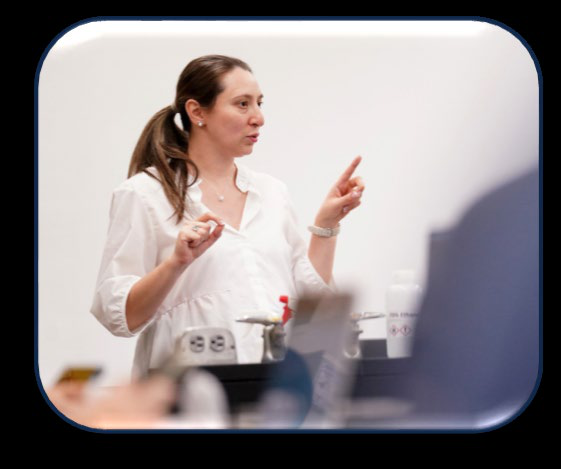
Pillar 1
Empowering Faculty to Teach and Innovate with AI
We are committed to equipping our faculty with cutting-edge AI tools, resources, and
training to enhance teaching and learning. By integrating AI into curricula, we foster
a culture of innovation where faculty can implement AI-driven methods that personalize
learning and prepare students for the future workforce.
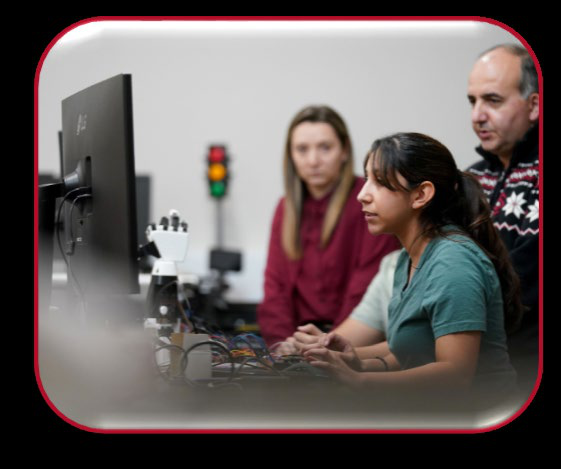
Pillar 2
Enhancing Research and Discovery through AI
We empower faculty and students to use AI for groundbreaking research across disciplines
by investing in infrastructure, fostering collaboration, and securing funding to drive
innovation and expand global knowledge.
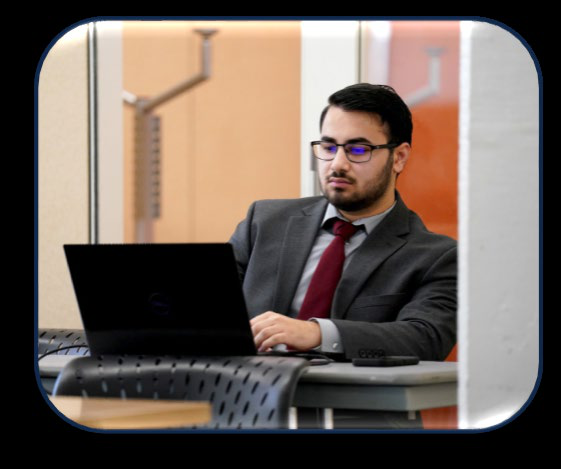
Pillar 3
Driving Workforce Innovation with AI
We are committed to preparing students and the broader workforce for an AI-driven
future. By integrating AI skills, tools, training, and career development into our
programs, we empower students to thrive in a digital workplace.
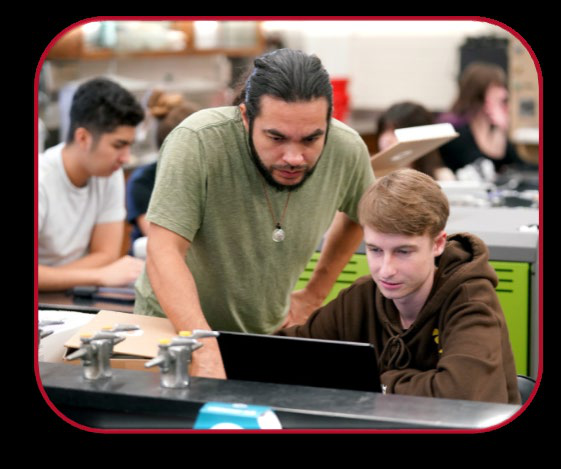
Pillar 4
Engaging and Influencing the Community with AI
We are dedicated to using AI to positively impact our communities by promoting AI
literacy, offering community engagement programs, and collaborating with partners
to develop ethical AI solutions for social good and economic development.
Technology Service Desk
Led by Manager Harry Zahlis
Your First Stop for Tech Support at Fresno State
The Technology Service Desk serves as the central hub for technology assistance within the campus community, offering fast, friendly, and reliable support to students, faculty, and staff. Whether in person, over the phone, or via email, we’re here to resolve issues and empower users with confidence. Conveniently located in the University Student Union (USU), the Service Desk provides support for:
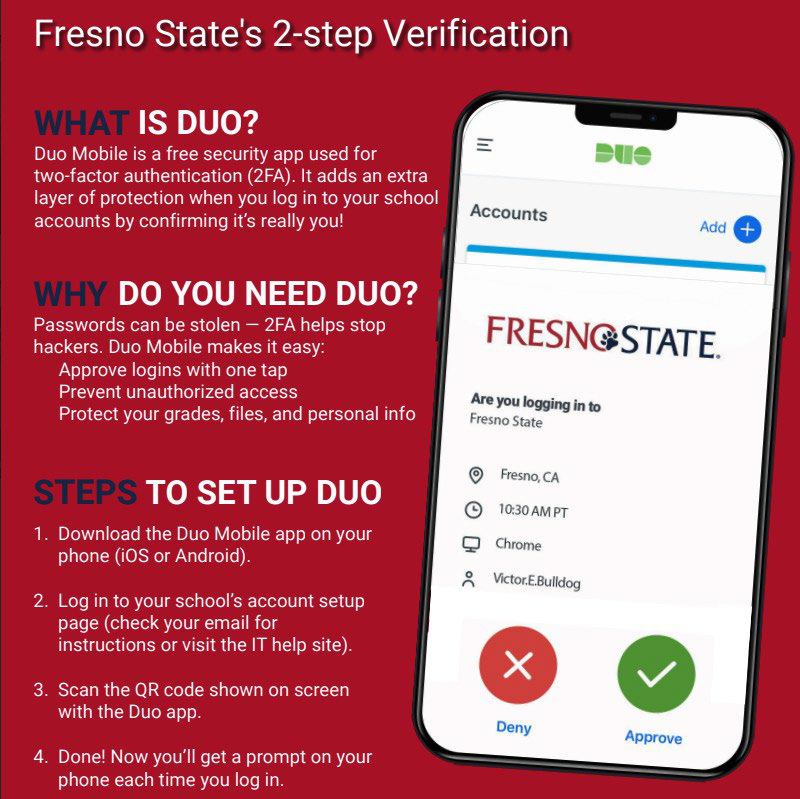
- DUO Multi-Factor Authentication Email Setup
- Password & Account Access
- General Tech Troubleshooting
Team Accomplishments
- Reformatted over 250 Knowledge Base (KB) articles for Bulldog Genie AI
- Created Service Desk-specific AI-powered internal KB
- Created AI ingestion methodology and process for all new Service Desk KB articles
- Updated Digital Signage backend system
- Updated Envoy KPI Reporting tool Database
Key Highlights (May 1, 2024, to April 30, 2025)
| Description | Data |
|---|---|
| Inbound Zoom calls to the Service Desk | 20,942 |
| Service Desk tickets resolved | 3,187 |
| Incoming Zoom SLA (Answered within 30 seconds) | 93.1% |
Total tickets created on behalf of faculty, staff, and students
| Type of Requests | Number of Tickets |
|---|---|
| How To Assistance / Informational | 212 |
| Password resets | 1,593 |
| DUO updates | 375 |
| General “How To” | 494 |
| Other | 513 |
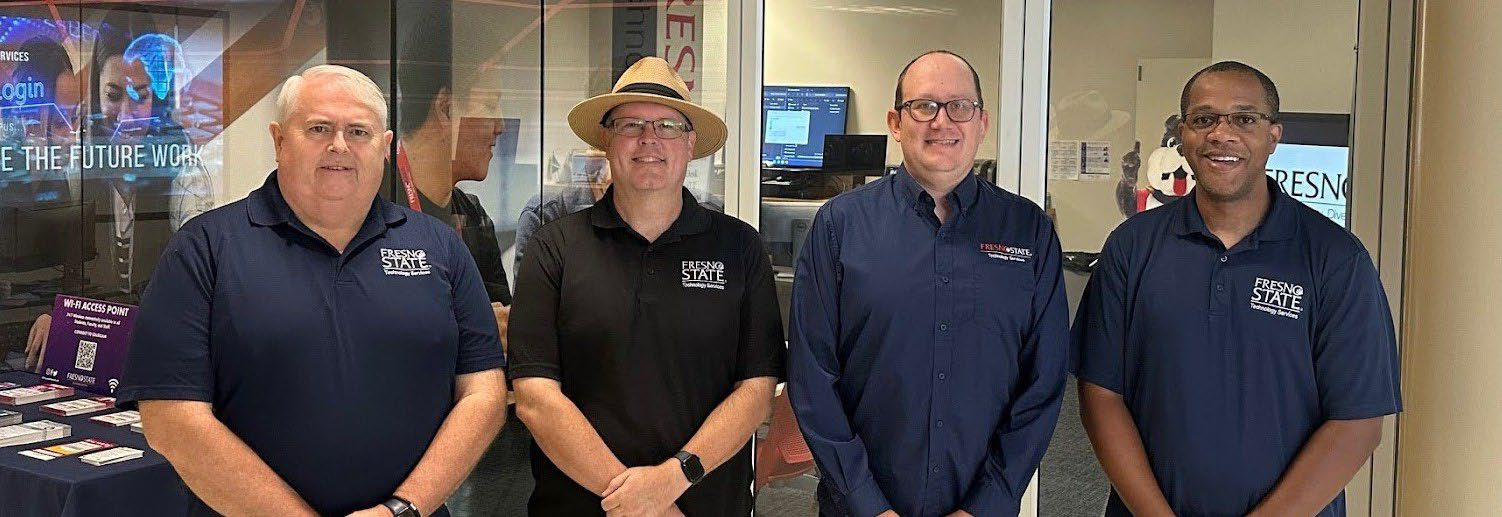
Technology Support Services
Led by Director, Harry Zahlis
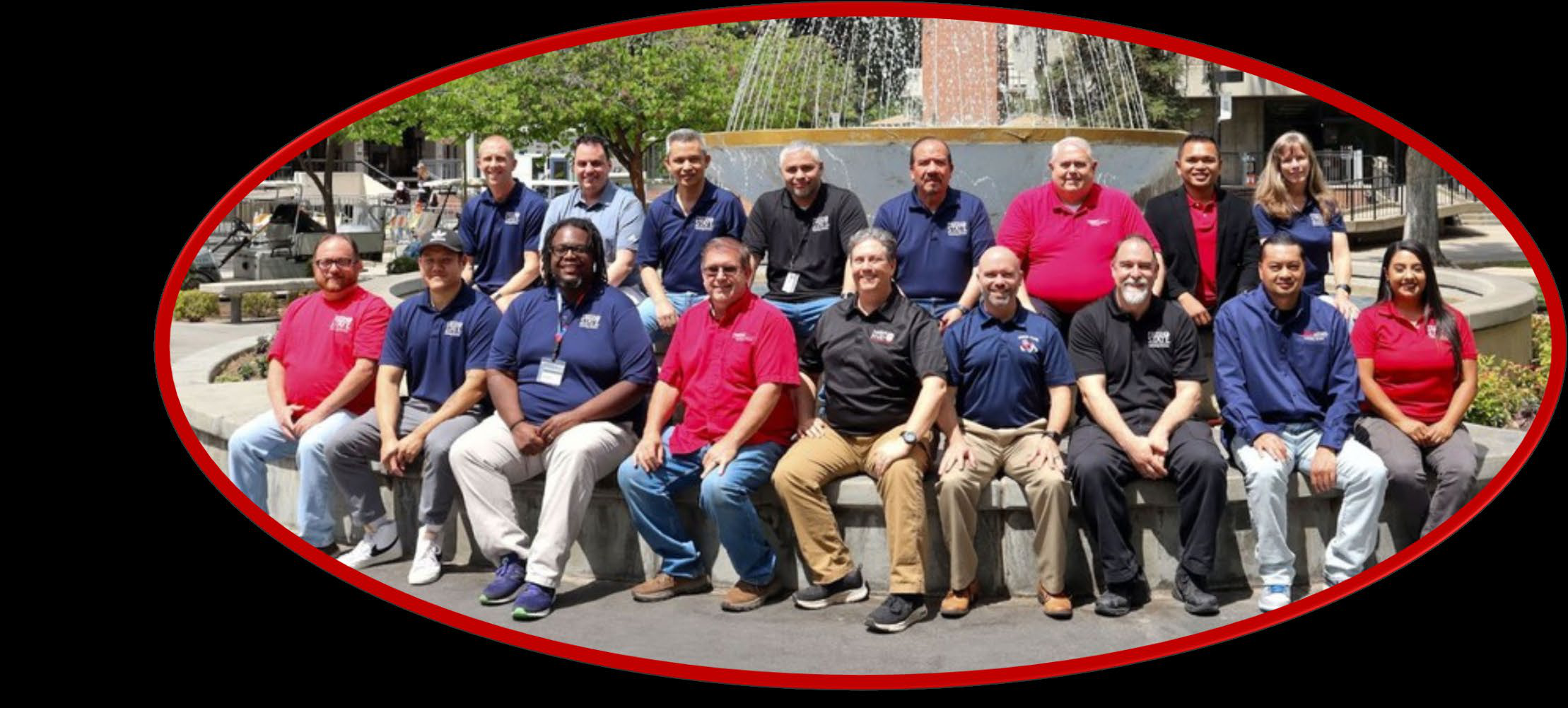
Tech at the Heart of Campus Key Data Points
IT Liaisons are recognized as the embodiment of Technology Services and play a pivotal role by being physically present on campus within various colleges, divisions, and departments. Where technical challenges demand immediate and hands-on solutions, ITLs offer in-person consultations and coordination of central IT resources to address service requests effectively.
Moreover, ITLs ensure their actions align with the Technology Services Division's objectives, practices, and the mission of the University.
Team Highlights and Accomplishments
✓ Google Shared Drives migration
✓ Annual FLP roll-out
| Description | Data |
|---|---|
| Completed Tickets | 9,006 |
| Completed Tasks | 1,138 |
| Devices supported by Technology Support Services | 9,124 |
| Google Groups managed | 2,419 |
| Google Shares managed | 573 |
| Faculty and Staff Windows laptops/computers deployed | 350 |
| Faculty and Staff Apple laptops/computers deployed | 180 |
Classroom Technologies, Unified Communications, Operations & Networks
Led by Director, Mike Garvey
Classroom Technologies
Empowering 21st-Century Pedagogy
From lecture halls to informal study zones, over 500 learning spaces are supported
by our Classroom Technologies team—each designed to adapt to evolving educational
needs. Whether in-person, hybrid, or fully remote, we ensure the technology supports
the teaching style.
Supporting
⇒Hybrid & Remote Learning
⇒In-Person Instruction
⇒Flexible Modalities
Highlights
⇒50 Room Upgrades
⇒Projector refresh
⇒project (~115)
| Description | Data |
|---|---|
| Tickets and Tasks Opened | 796 |
| Tickets and Tasks Closed | 766 |
| Classroom Upgrade Projects Completed | 50 |
Unified Communications
Bringing People Together Through Smarter Communication
Unified Communications (UC) integrates voice, video, IM, and file sharing into a seamless
experience making it easier for the Fresno State community to collaborate and connect.
| Description | Data |
|---|---|
| Zoom Meeting Total Minutes | 89,630,487 |
| Tickets and Tasks Opened | 1,166 |
| Tickets and Tasks Closed | 1,017 |
| Zoom Meetings | 307,959 |
| Zoom Calls | 2,016,444 |
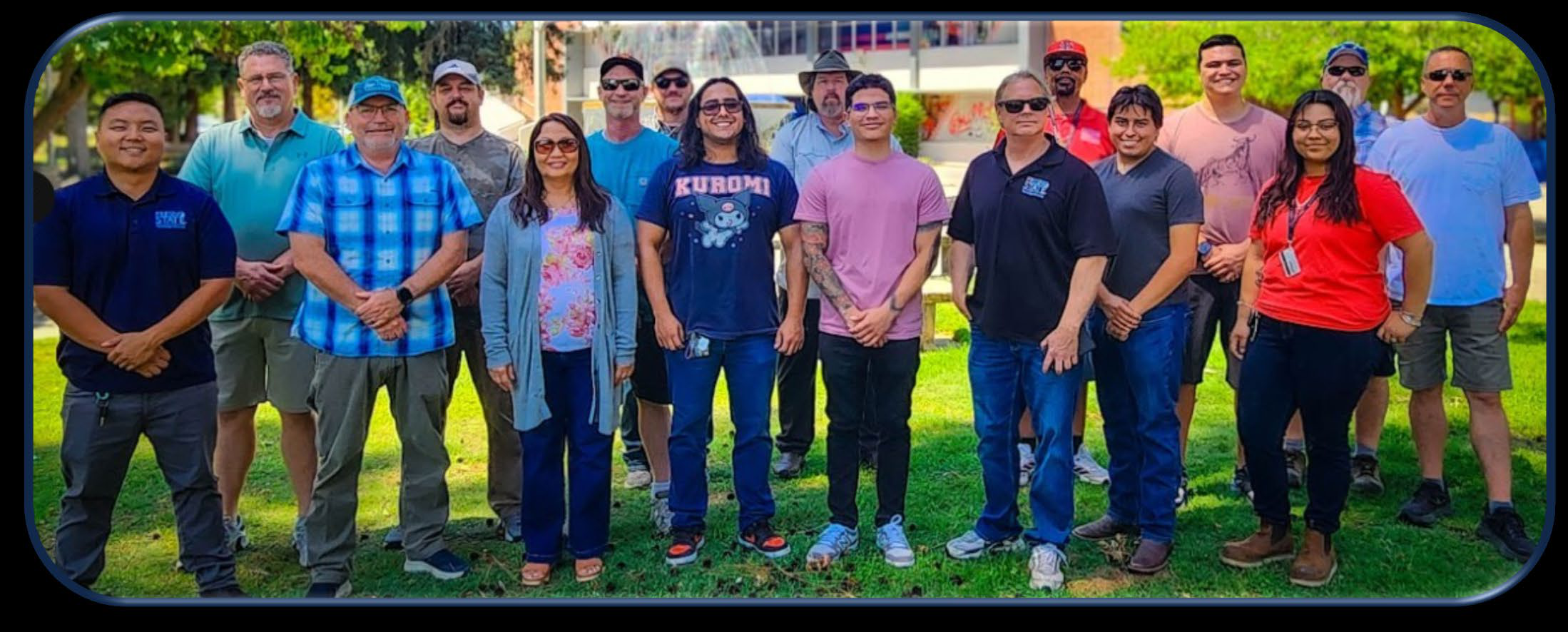
Network Engineering
The Digital Backbone of Fresno State
From powering the internet and telecom to ensuring reliable data backup and tight cybersecurity, Network Infrastructure is the unseen engine of campus connectivity.
Highlights
⇒Layer 2 Network Refresh Project
⇒Completed Outdoor AP Refresh
⇒Residents AP Refresh
Tickets Opened
Tickets Closed
Campus Wireless User Count
266
225
20,000
Field Operations
Keeping Campus Connected
Field Operations is the power behind the scenes, expertly managing the hardware, monitoring
tools, and cables that keep our wired and wireless networks running smoothly, securely,
and without a hitch.
Highlights
• Cable infrastructure upgrades at football stadium;
Baseball/Softball Camera/replay Projects
• Supported the following campus projects: Science 1 remodel; Affordable Housing;
CUPR; 911 Call Center Relocation; Gumz Enology remodel
| Key Data Points - Description Data | Data |
|---|---|
| Tickets and Tasks Opened | 295 |
| Tickets and Tasks Closed | 286 |
Projects
Network upgrade at the Football stadium, Cameras at Football and Softball stadium, Replay Camera installation for Baseball & Softball teams, Network Layer 2 Refresh
Layer 2 Network Upgrade - Network Engineering & Field Operations
The Common Network Initiative (CNI), funded by the Chancellor’s Office, ensures Fresno State’s network stays current with evolving technology. This year, our Network Engineering and Field Operations teams upgraded over 300 network switches across campus, modernizing infrastructure and meeting the growing digital needs of our community. A huge thank-you to all the teams who contributed to this success!
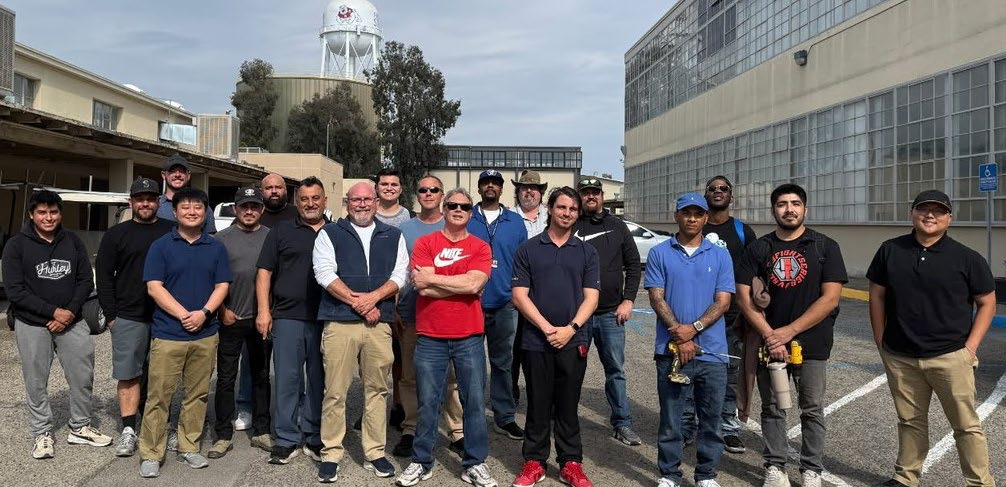
Digital Accessibility
Led by Director, Max Tsai
Championing Digital Inclusion:
Building an Accessible Campus for All
Our commitment to inclusive technology is more than a goal—it's a responsibility. We work proactively to ensure that the entire campus community can fully participate in the University's research, education, and social mission. Through cross-functional collaboration, we champion digital accessibility as a foundation for equity, innovation, and compliance. Our efforts are grounded in the standards of the Rehabilitation Act of 1973, ensuring digital spaces are accessible to all.
Web and Mobile Services:
Enabling Access,
Empowering the Campus Community
The Web and Mobile Services Team leads the charge in creating accessible online environments across campus. Key initiatives include:
• Maintaining accessible CMS templates and web components that meet current standards
• Administering the campus-wide accessibility monitoring tool
• Offering targeted training on OMNI CMS for content managers
• Advising faculty and staff on accessibility best practices and problem-solving
• Conducting regular scans of sites within Modern Campus CMS to identify broken links
Office of Digital Accessibility:
Turning Access into Action
Accessibility is not a checkbox—it’s a commitment. The Office of Digital Accessibility, in partnership with Web and Mobile Services, works to build an inclusive digital campus by applying best practices, ensuring compliance with laws such as the ADA, and ensuring all campus systems meet current standards. Our team delivers a wide range of services that bring accessibility best practices to life:
✓ Electronic Document Remediation:
Making digital documents readable and navigable for all
✓ Hands-On Accessibility Training:
Role- specific sessions for faculty, staff, and developers
✓ Captioning and Transcription:
Supporting accessible multimedia experiences
✓ Accessible Event Planning:
Ensuring inclusion in both virtual and in-person events
✓ Video Accessibility Support:
Video content is optimized for all, from captioning to formatting
✓ Module Development Training:
Creators learn to build accessible digital learning materials
✓ Digital Procurement and Web Evaluations:
Assessing tools and platforms for accessibility compliance before adoption
Team Accomplishments
• Contributed to the ATI Annual Report by tracking 51 success indicators, with 26
at the “established” level and 15 nearing that status.
• Distributed campus web and accessibility reports to all schools, divisions, and
auxiliary organizations.
• Delivered Digital Document Training to 136 participants, with asynchronous video
resources currently in development based on the training content.
• Three new training classrooms were added, each supporting an ATI indicator, with
a total of 100 attendees.
• Popetech Integration: Integrated Popetech to automate accessibility and compliance
scanning.
• Created 289 scans targeting specific areas of concern across websites.
• Improved overall website quality and accessibility
• Scheduled regular scans to maintain compliance.
• Used Screaming Frog SEO Spider (web-crawler) to fix broken links on 14 college/division
sites.
Team Highlights
| Description | Data |
|---|---|
| Tickets Opened | 157 |
| Tickets Closed | 121 |
| Manual Website Reviews | 14 |
| Video Accessibility | 63 |
| 1:1 Accessibility Consults | 34 |
| ITPR and P2P Accessibility Reviews | 211 |
| Omni CMS & Web Accessibility Trainings | 162 |
| Digital Document Accessibility Training | 136 |
| Digital Accessibility Training Sessions | 30 |
| Training Participation Count | 100 |
Electronic Document Remediation
| Breakdown | Data |
|---|---|
| Documents | 157 |
| Pages | 1,401 |
| Hours | 478 |
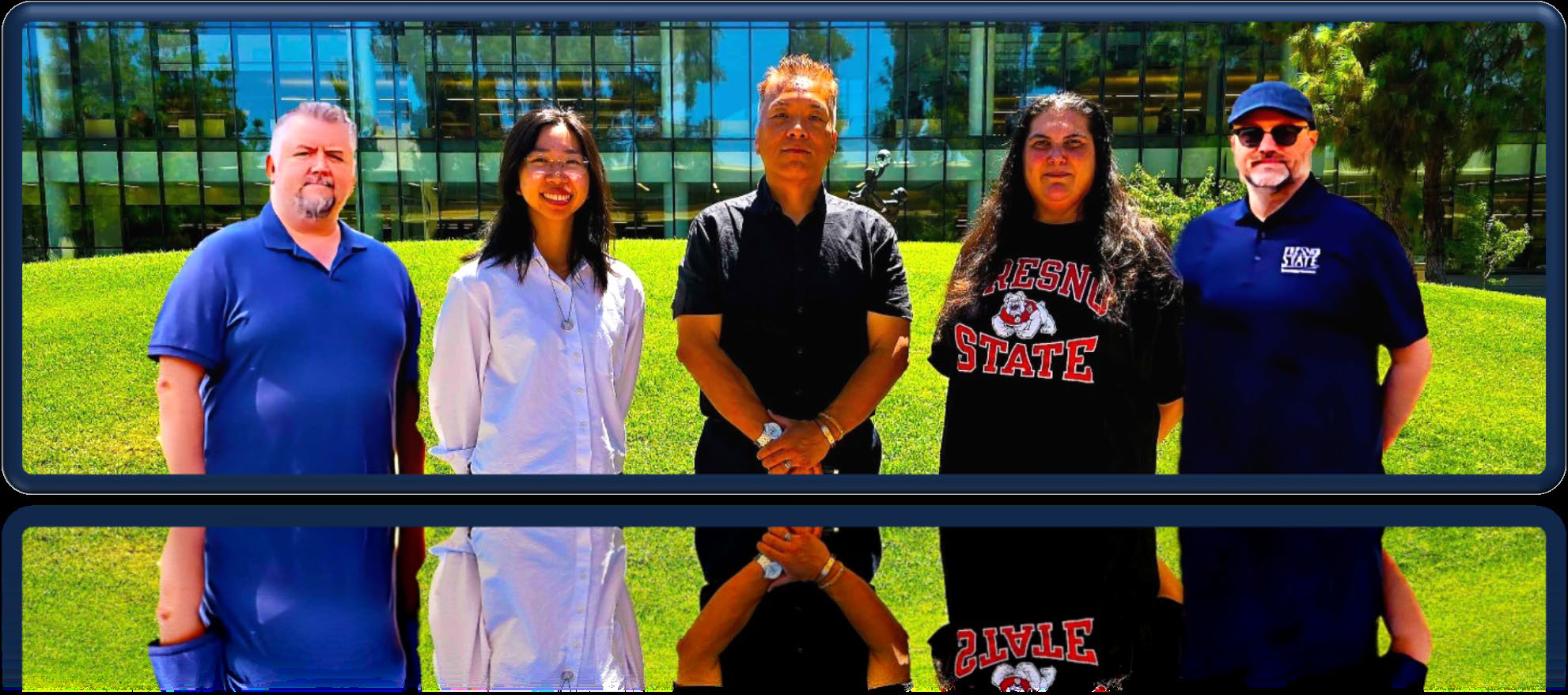
Planning and Digital Transformation, DXI Hub
Led by Director, Max Tsai
Empowering Fresno State’s Digital Future
Planning and Digital Transformation at Technology Services drives innovation through technological advancements, strong campus partnerships, and a focus on student success, aligning digital services with university needs to enhance research, efficiency, and the student experience.
Our Mission
Digital Transformation for Institutional Excellence
• Streamline university operations with Robotic Process and Intelligent (cognitive)
Automation
• Transition legacy systems to modern platforms for administrative and academic functions
• Create a future-ready data integration architecture that seamlessly connects apps
and tech with academic and business processes
• Implement a modern, accessible platform for a unified and personalized student experience
• Launch Technology Experience programs to support High Impact Practices like internships,
service learning, and undergraduate research
• Use AI and data to support inclusion through improved communication, accessibility,
and engagement
Our Teams
• Planning, Technology Experience, and Partnership Development Campus
• Application Management and Support
• Campus Application Development and Integration
• Digital Accessibility
• Hub of Digital Transformation and Innovation: 30 Student Interns
Special Events
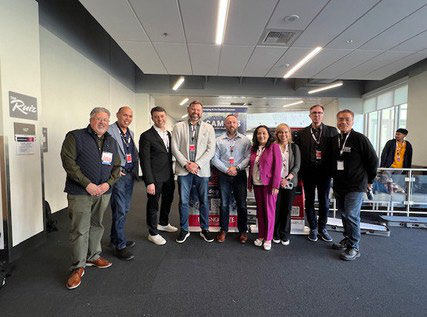
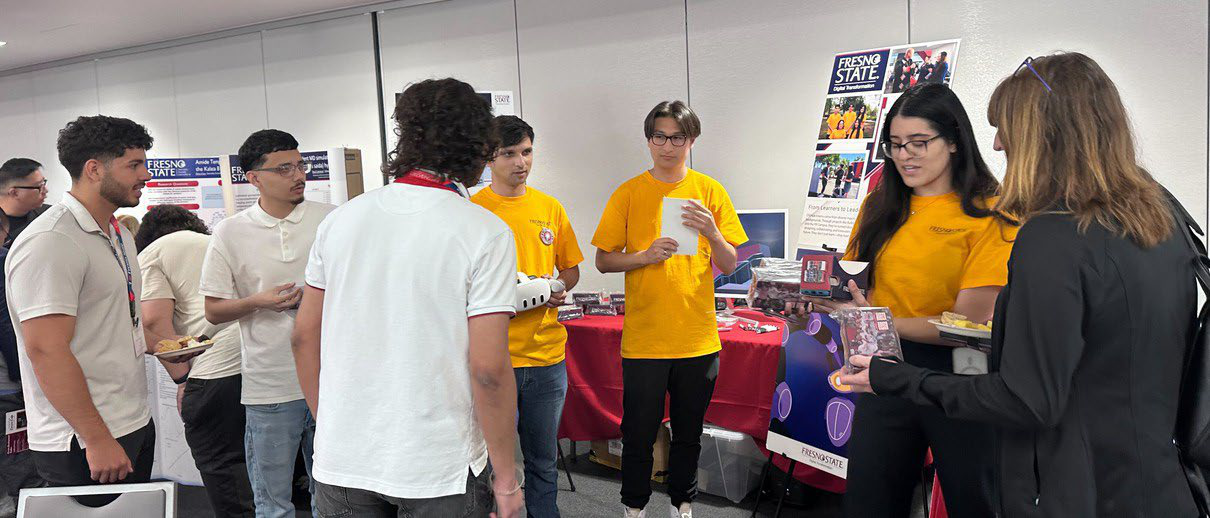
• Central Valley IT & Cybersecurity Career & Internship Fair
• Hmong Heritage Education Day
• CIO's AI Town Hall
• AI Immersion Day
• Central California Research Symposium
• Hmong American Day
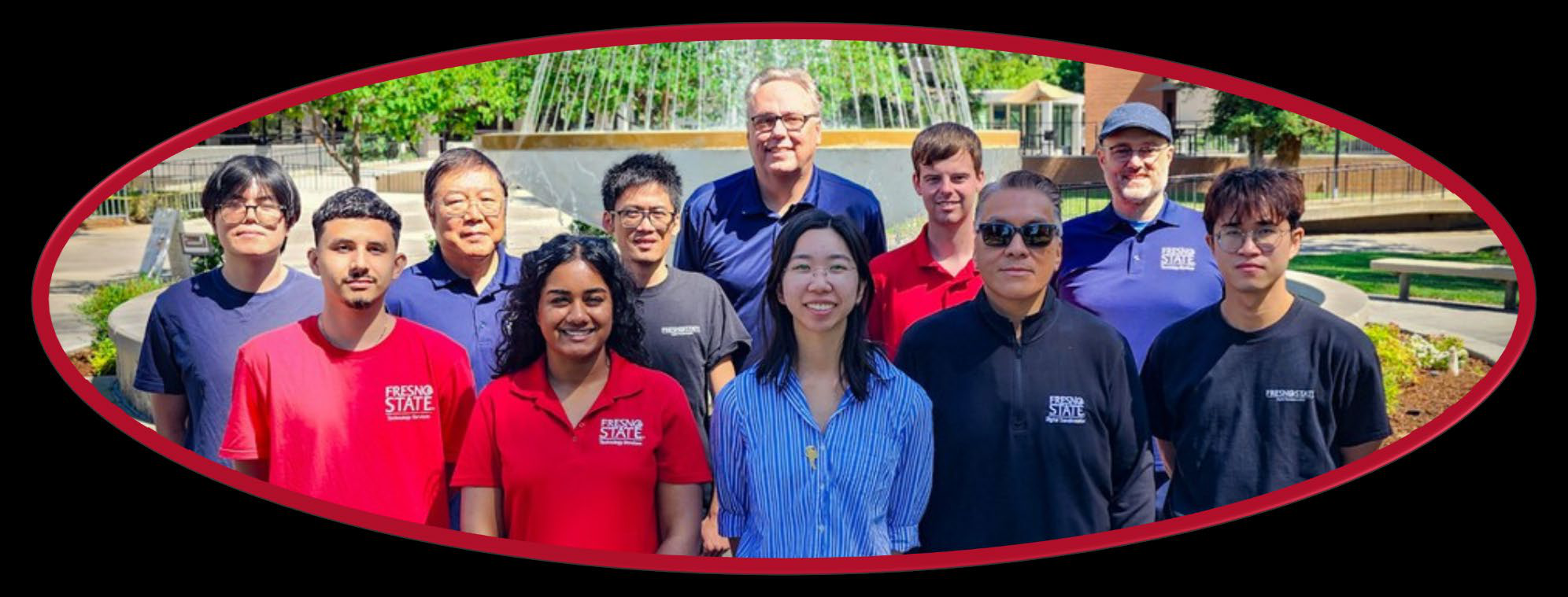
Team Highlights and Accomplishments
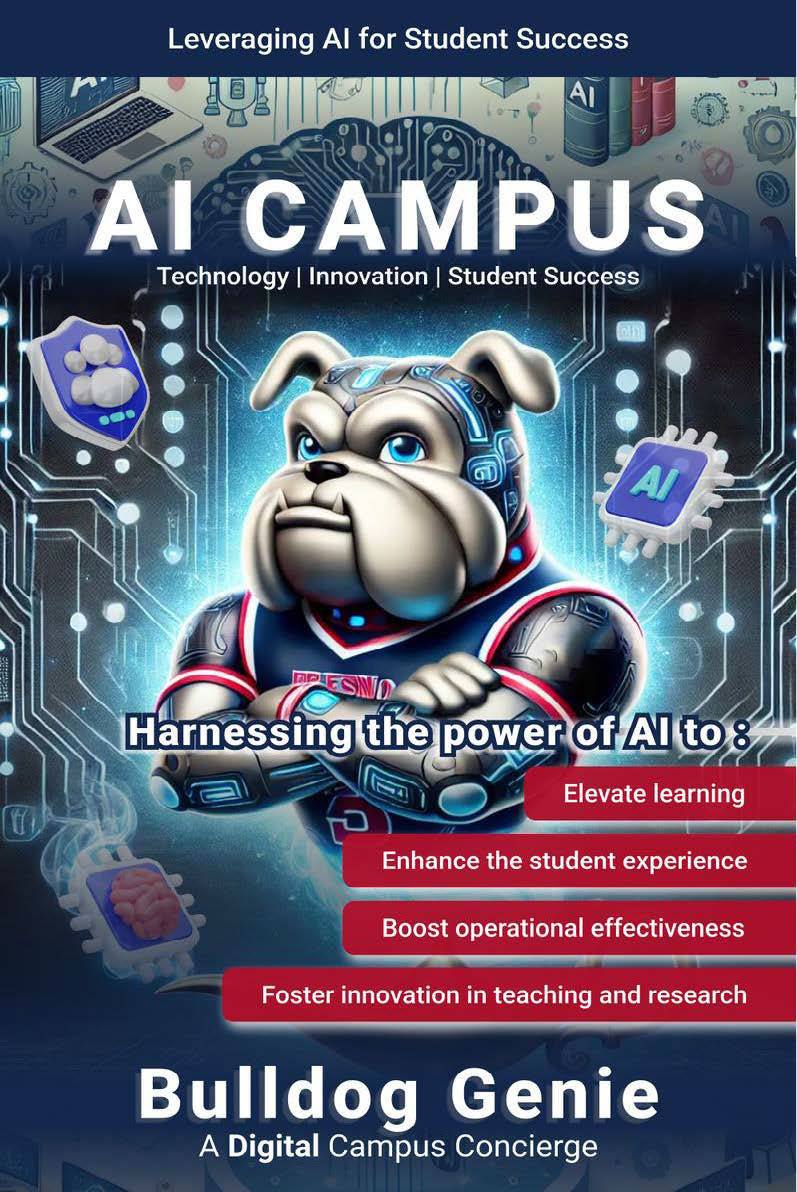
- Launched the Bulldog Genie: An advanced GPT powered tool that uses retrieval- augmented generation RAG to streamline information access and automate tasks— demonstrating Fresno State’s leadership in using generative AI to enhance campus services and drive digital innovation.
- Developed two new AI agents for Bulldog Genie: Using TechVisor, which integrates with TeamDynamix to provide personalized, prompt-based tech support using LLM and RAG; and EduVisor, which automates transcript evaluations to reduce workload, eliminate delays, and enhance student support.
- Led the development and launch of the new Fresno State Today platform: Unifying the Magazine, Stories, and campus blogs into one seamless, user-friendly digital experience.
- Transitioned Fresno State Human Resources to the OnBase document storage system: Digitizing existing workflows, streamlining document management, and reducing reliance on physical storage space.
- Migrated the Trust Fund Approval Process from OnBase to Kuali Build: Significantly reducing processing time and empowering Financial Services to independently manage and update approval forms.
- Enabled confident and ethical adoption of AI tools: Across campus through targeted workshops and training sessions, user- friendly self-service guides, and a centralized, accessible knowledge base.
- Introduced a mobile-first Campus Check-in Process: That cut wait times, improved user experience, and reduced administrative workload for smoother events.
- Enhanced the Bulldog Bound digital experience: With improved mobile features, immersive XR and 360° campus tours, and streamlined processes to boost engagement and efficiency.
- Designed and developed the President's AI Initiative website: Under CIO leadership, creating a platform that showcases Fresno State’s AI innovation, promotes collaboration, and shares key resources.
- Launched the new OMNI Web Calendar: Improving event management, streamlining workflows, and delivering a user-friendly experience for the campus community.
- Integrated the: Learning Center, Writing Center, and Library into the Mobile@FresnoState app, giving students instant, streamlined access to key academic resources.
- Launched Preferred Names and Pronouns: In the Mobile@FresnoState app, allowing real-time updates.

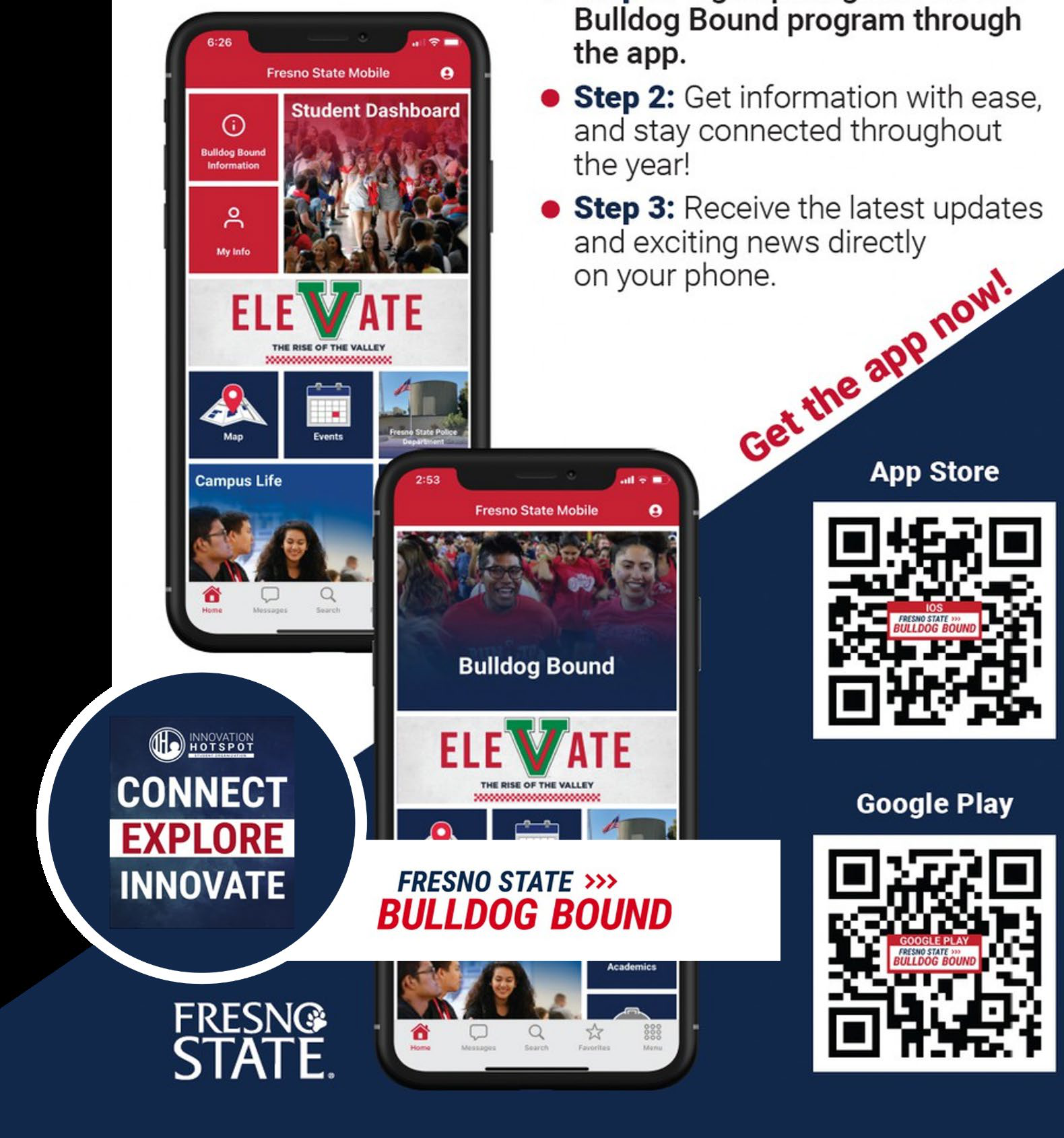
https://apps.apple.com/us/app/mobile-fresnostate/id880353258
https://play.google.com/store/apps/details?id=edu.fresnostate.m
Adobe Sign
| Description | Data |
|---|---|
| Tickets Closed | 471 |
| Unique Senders | 1,229 |
| Agreements | 135,318 |
| Total Transactions | 125,124 |
Kuali Build
| Description | Data |
|---|---|
| Tickets Closed | 93 |
| Power Users | 92 |
| Submissions | 25,073 |
| Training Sessions | 16 |
| Apps Built | 91 |
OnBase
| Description | Data |
|---|---|
| Tickets Closed | 44 |
| Users Logged In | 8,085 |
| Forms and Workflows | 12,504 |
| Documents | 135,697 |
Web
| Description | Data |
|---|---|
| Tickets Closed | 815 |
| Active OMNI Editors Counts | 162 |
| New Omni Users | 1,714 |
| Page Views | 17,319,003 |
| Sessions | 8,366,220 |
| Average Session Duration | 3:43 minutes |
Mobile
| Description | Data |
|---|---|
| Installations (IOS) | 12,800 |
| Installations (Android) | 1,823 |
| Unique Visitors | 28,500 |
| App Views | 3,368,777 |
| Logged in User | 7,210 |
| Returning Users | 6,020 |
Enterprise Applications and Information Systems
Led by AVP for IT and Deputy CIO, Jerome Hilscher
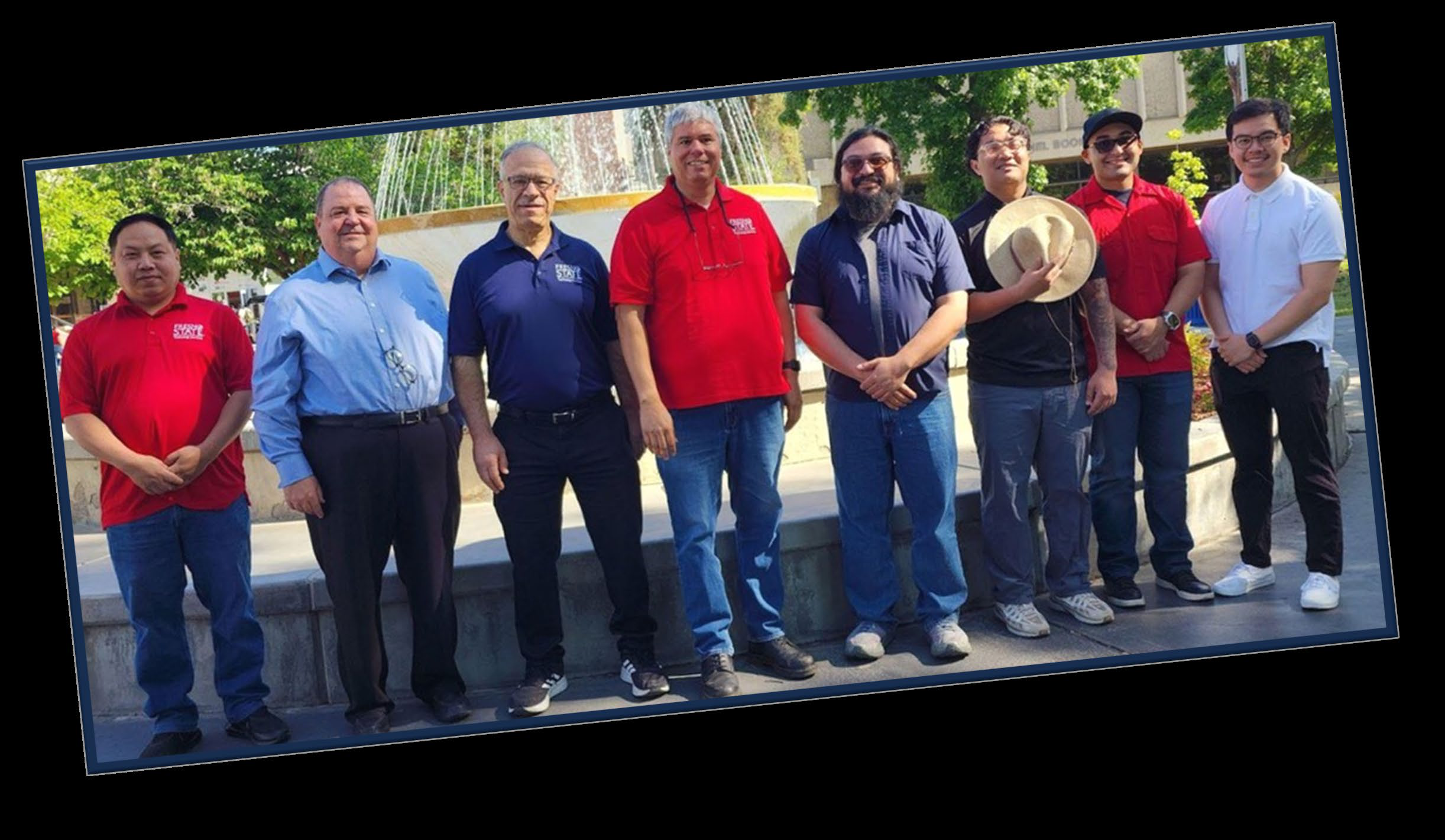
Enterprise Applications & Information Systems
Driving Fresno State’s Core Operations with Smart, Seamless Systems
The Enterprise Applications and Information Systems team powers the digital infrastructure behind Fresno State’s student, financial, and human resources systems. From installations to upgrades, integrations to maintenance, this team ensures that vital campus applications run smoothly and serve the needs of students, faculty, and staff.
Student Systems (Campus Solutions)
Supporting Every Step of the Student Journey
PeopleSoft Campus Solutions is the academic engine of the university, enabling:
• Class scheduling & registration
• Tuition and fee processing
• Financial aid distribution
• Academic progress tracking
Financial System: PeopleSoft CFS
Managing Financial Functions Across the CSU
The Common Financial System (CFS) handles critical financial functions across the CSU system, including:
• General Ledger
• Billing & Accounts Receivable
• Accounts Payable
• Purchasing
Our team partners with Accounting Services and Payroll to ensure accurate, timely financial reporting in collaboration with the CSU Chancellor’s Office.
Key Data Points
| Description | Data |
|---|---|
| NEW My Fresno State Portal Users (IOS) | 541,930 |
| My Fresno State Portal Views | 5,366,675 |
| My Fresno State Portal Sessions | 3,628,968 |
| Unique Student logins | 46,135 |
| Unique Faculty/Staff logins | 3,795 |
Human Resources: PeopleSoft HR
Empowering Employees With Self-Service
The PeopleSoft HR platform enables Fresno State employees and managers to:
• View paychecks and balances
• Submit time and absences
• Access employment data
• Complete HR-related tasks quickly and efficiently
Team Highlights & Accomplishments
• Transitioned students to CSU Learn (SumTotal)
• Implemented interfacing of Student Health Center Wellness Vending Machines with
PeopleSoft
• Addressed the risk of fake account creation for CGE Self-Service ID Creation application
• Improved the Provost’s Office Class Faculty Budget Report - used for planning Faculty
FTE budget
• PeopleSoft Data for SmartEval Student valuation System - Phase 1
• Implemented the eRefund project, moving providers from BankMobile to CashNet for
student refunds
• Supported the ECSI RecoverySelect project to proactively engage students with outstanding
balances
• Applied three Maintenance Packs
• CS and HR PeopleTools upgrade to 8.60
Information Security and Privacy Office
Led by Director and Information Security Officer (ISO), Rafael Villegas
Protecting What Matters Most
At the heart of Fresno State’s digital resilience, the Information Security and Privacy Office ensures the confidentiality, integrity, and availability of Fresno State’s data and technology resources.
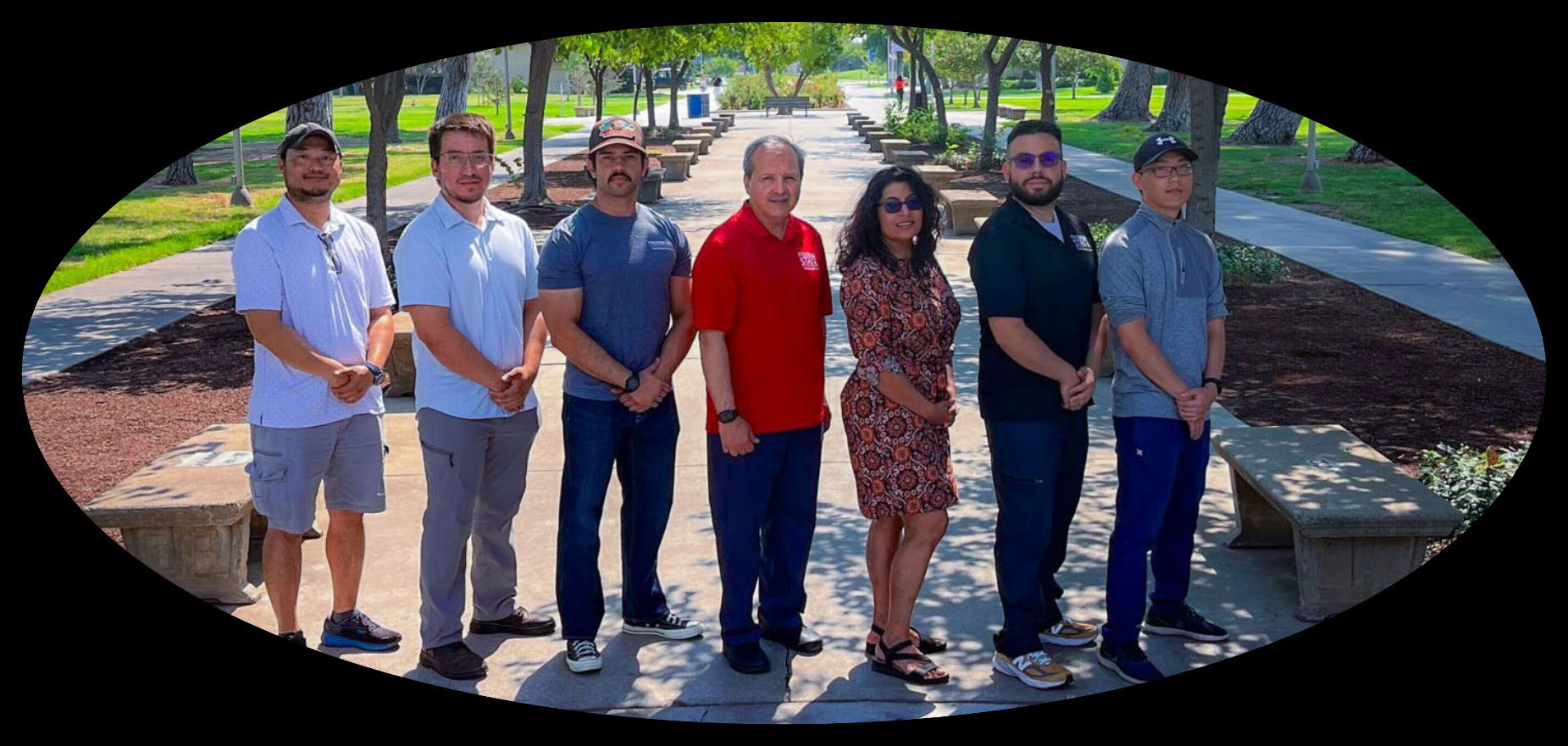
Led by Rafael Villegas, Information Security Officer, the team collaborates with students, faculty, and staff to proactively mitigate cybersecurity risks and protect campus-wide systems.
What We Do
- 2-Step Verification (DUO) – A second layer of protection, helping prevent unauthorized access.
- Account Deprovisioning – Securely disable user access to systems, applications, and the campus network when individuals are no longer affiliated with the university.
- Campus VPN (Virtual Private Network) – Provides encrypted access to campus resources from off-site.
- Cybersecurity Awareness – Promotes safe digital practices related to phishing, online behavior, and social media use.
- Data Security & FERPA Training – Educate faculty and staff on best practices for safeguarding technology resources and complying with FERPA regulations.
- Firewall Security – Protect campus systems by blocking malicious network traffic.
- PeopleSoft Security Management – Controls access by assigning, updating, and tracking user roles and permissions across Student, Financial, and HR systems.
- Security Assessments – Evaluates systems and services to identify cybersecurity risks and recommends mitigation strategies.
- Technology Security Reviews – Conducts information security reviews before technology purchases to ensure alignment with university security standards.
- Unified Endpoint Management – Managing and securing endpoints: desktops, laptops, mobile devices.
- Vulnerability Scans – Identify system weaknesses and prioritize for remediation.
Team Highlights and Accomplishments
Unified Endpoint Management Accomplishments
• Windows Workstations [ManageEngine] – started January 2025
Reduced high vulnerabilities > 45 days to 13% from 65% (11/23 AUDIT finding) Automated
tasks for updates and patching of Operating Systems, applications, etc.
• MacOS Workstations and IOS Devices [JAMF]
De-registered 1,500 devices following asset status validation/documentation
• Patching automation & Auto config of Apps
PeopleSoft Security and Change Control Accomplishments
• PeopleSoft Security
Manager’s review of employee privileges Bi-Publisher Migration (user permissions)
Established appropriate user permissions to enable P2P success.
• PeopleSoft Change Control
Segregation of Duties (SoD) quarterly reports Repeatable Change Order Management Requests
(COMR) CMS coordination of Maintenance Packs (periodic software updates).
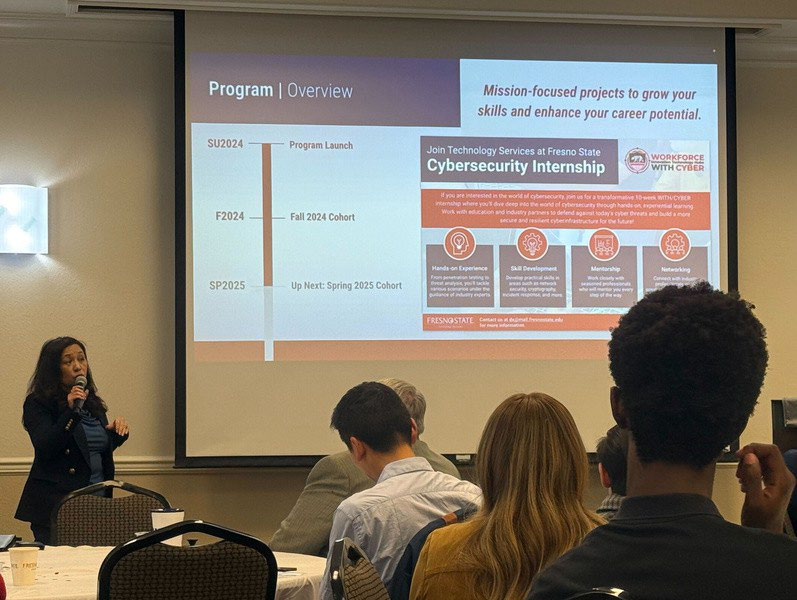
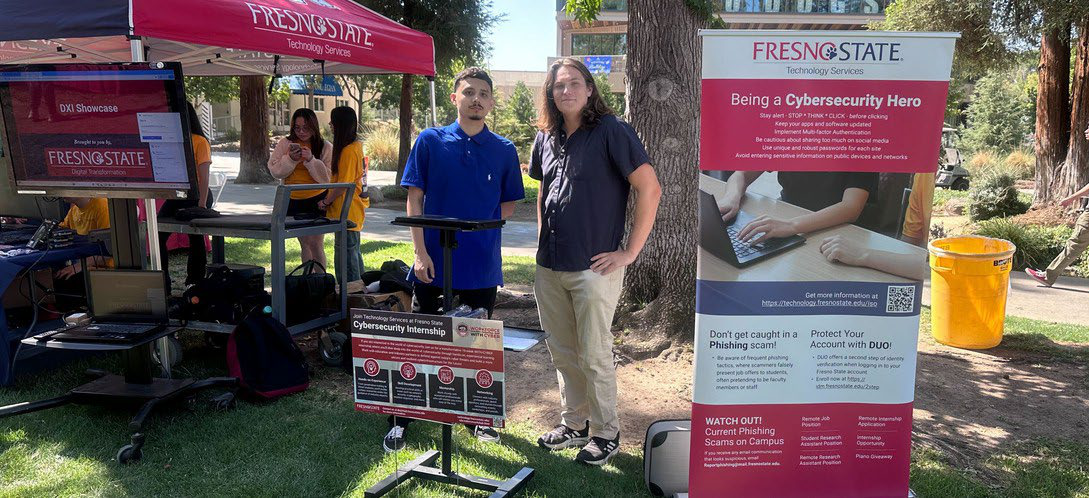
CyberSecurity Internship Program
This initiative is part of a broader effort with the WorkForce Innovation Technology Hub (WITH-Cyber) program (Dr. Johri, Dr. Clement, Dr. Goto)
During each 10-week program, student participants are immersed in real-world scenarios and develop skills in network security, event monitoring, AI risk, security awareness, and penetration testing.
Infrastructure Services
Led by Interim Director and Information Security Officer (ISO), Rafael Villegas
Infrastructure Services
Building the Digital Backbone of Fresno State
Infrastructure Services is the powerhouse behind Fresno State’s core technology operations—three specialized teams, one unified mission: to deliver reliable, scalable, and secure IT infrastructure that drives academic and administrative excellence.
Digital Infrastructure (DI)
Enhancing Every Click, Tap, and Login
DI leads the charge in managing all university laptops and workstations on campus and remotely. The team also oversees the TeamDynamix Service Catalog, ensuring smooth and efficient service delivery.
What we do:
• Centrally manage computing devices
• Streamline digital support services
• Elevate the faculty and staff technology experience every day
Systems & Cloud Administration
Keeping Fresno State Running — Securely, Reliably, and at Scale
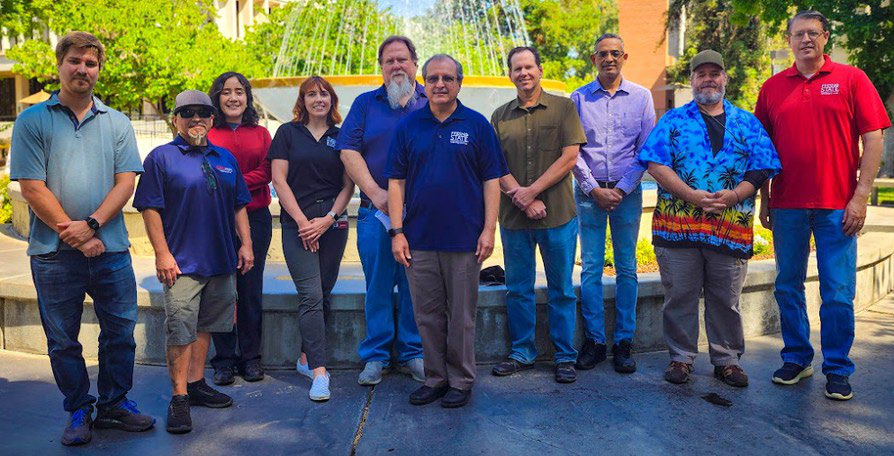
The Systems & Cloud Administration team is the engine behind the university’s most essential IT systems. With oversight of more than 200 servers and three campus data centers, this team ensures seamless performance, security, and availability across all technology platforms.
Team Highlights and Accomplishments
• FS-Store To Google Migration
Enabled FS-Store data migration through tailored Google Workspace configuration and
setup
• Server Patching
Improved server patching efficiency through streamlined scheduling
• Server End-Of-Life (OS Upgrade)
Refined server end-of-life procedures to ensure efficient and timely decommissioning
• ChatGPT and Gemini Onboarding
Provisioned campus (staff) access to ChatGPT and Gemini services
• DELL APEX Backup Policies
Established Dell APEX backup policies to ensure secure, automated, and compliant data
protection across systems
• UBEO Project (Copier/Printer Migration)
• Completed, migrating copier/printer services campus-wide to improve print management
• BI Publisher Migration
Completed BI Publisher migration to enhance reporting capabilities
• Automation of Email Reactivation
Implemented to reduce manual work and accelerate account access restoration.
• Security Measures for Advancement
Implemented 2-step verification (MFA) for Advancement to enhance account security.
• TeamDynamix IT Asset Management (ITAM) - Phase 1
Redesigned and implemented an audit-compliant asset inventory process covering servers,
laptops, desktops, and mobile devices.
• Standard Operating Procedures (SOP)
Streamlined operations by providing clear instructions for routine tasks and complex
troubleshooting to improve efficiency, reduce errors, and enhance quality.
Infrastructure Services Continued
| Description | Data |
|---|---|
| SSO Authentication Stats | 553,303 |
| Services | 148 |
| Description | Data |
|---|---|
| Messages Received | 159,049,846 |
| Spam Detected | 10,752,928 |
| Messages Sent | 13,261,182 |
| Description | Data |
|---|---|
| Google Documents Added | 1,522,431 |
| Google Forms Added | 17,122 |
| Google Spreadsheets Added | 106,063 |
| Google Presentations Added | 129,923 |
| Google Drawings Added | 3,519 |
| Miscellaneous Files Added | 17,169,806 |
| Description | Data |
|---|---|
| OneDrive Active Accounts | 294 |
| OneDrive Files Total | 4.4M |
| Office 365 Faculty Licensing | 2,002 |
| Office 365 Student Licensing | 24,950 |
| Description | Data |
|---|---|
| Workstations and Servers Managed | 3,695 |
| Successful Operation System Deployments | 203 |
| Application Updates Installed | 9,967 |
| Co-managed Devices | 3,590 |
| Microsoft Security and Definition Updates | 5,378 |
| Description | Data |
|---|---|
| Managed Computers | 1,764 |
| Managed Mobile Devices | 13,324 |
ChatGPT Edu
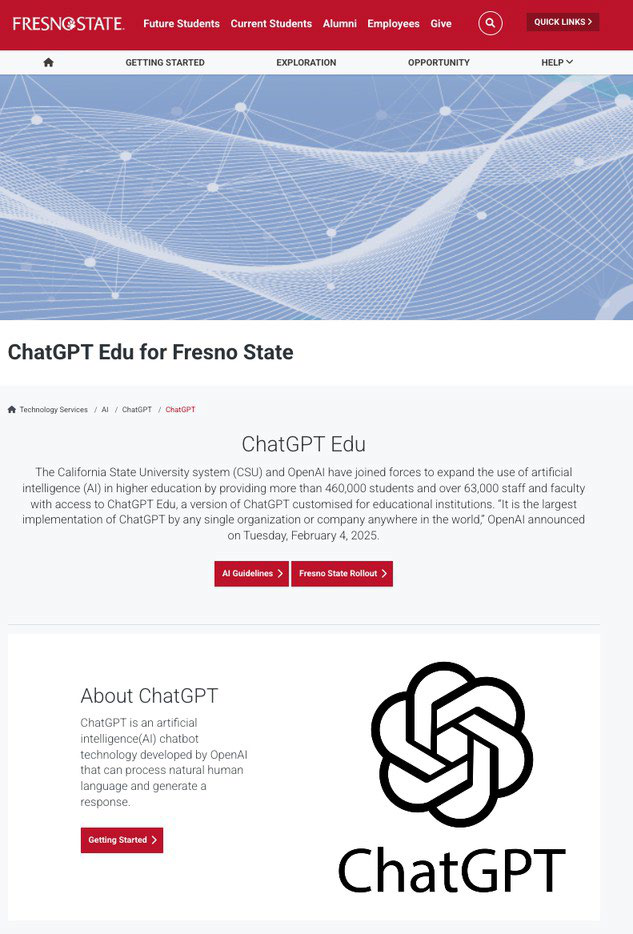
In Spring 2025, Fresno State joined the CSU system-wide rollout of ChatGPT Edu, expanding access to generative AI tools for students, faculty, and staff.
This initiative supports the responsible, ethical integration of AI into higher education, with a focus on exploration, learning, and digital fluency.
Project Management Office (PMO)
Led by AVP for IT and CIO, Jerome Hilscher
Powering Projects with Precision, Performance & Transparency
The Project Management Office (PMO) in the Technology Services Division empowers Fresno State’s digital transformation through structured and strategic project support. We ensure that every technology-related project is executed with meticulous attention to detail, consistent methodology, and clear communication.
What We Do
Train & Empower Teams
We provide project management training and guidance for Technology Services staff
to elevate execution across the division
Create Repeatable Success
We develop reliable, scalable project workflows that reduce friction and improve results,
from proposal to completion.
Standardize Processes
We implement consistent project management methods, tools, and terminology across
all teams
Focus on Timely Delivery
We foster a culture centered on on-time performance, project execution, and measurable
outcomes.
Increase Visibility
We promote project transparency, offering a clear view into past, present, and upcoming
initiatives to ensure alignment and accountability.
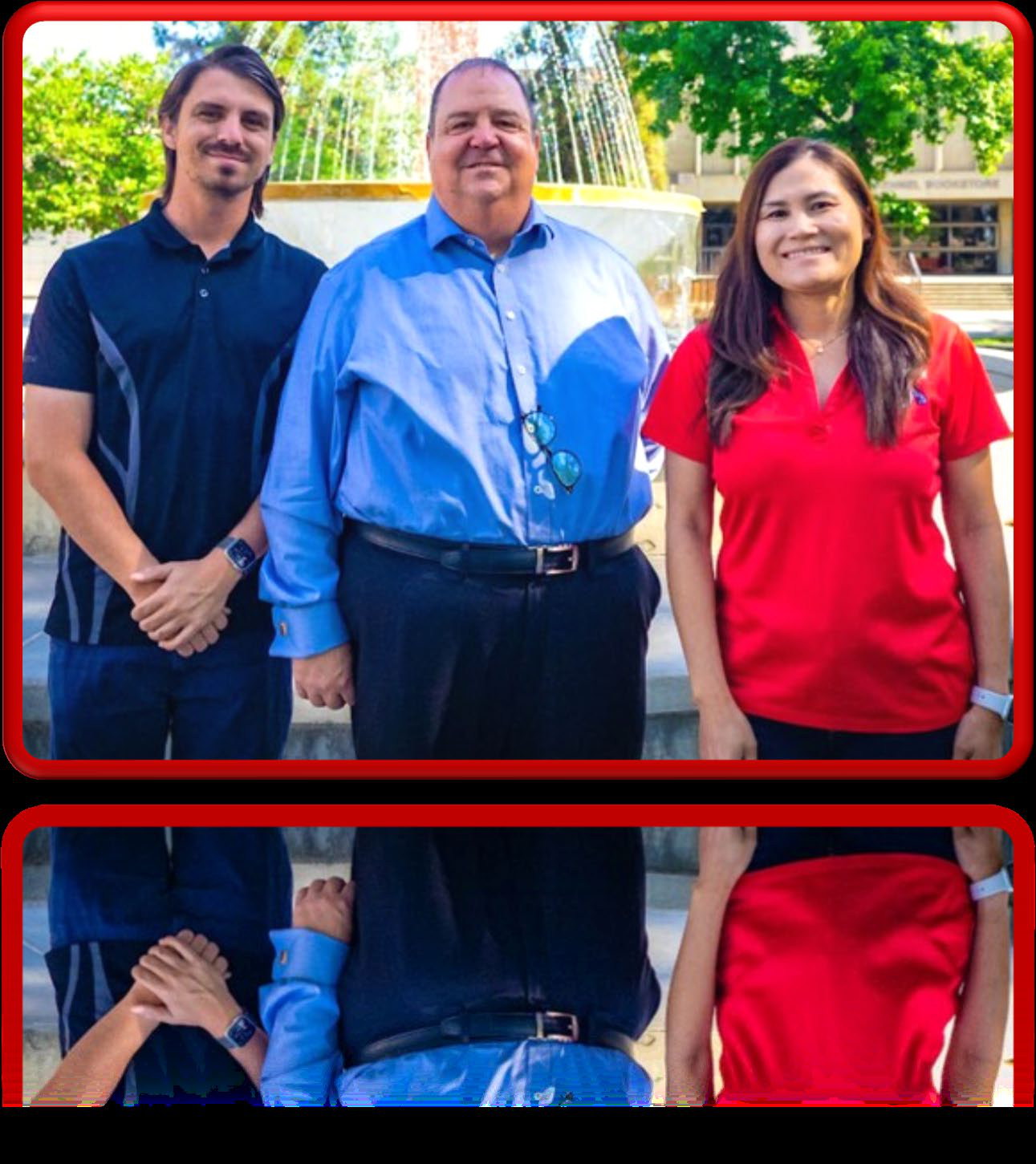
Team Highlights & Accomplishments
✓ The PMO completed 40 projects.
✓ The PMO publishes a monthly report for the VP of IT, showcasing current information
and highlights.
Office of the Vice President for IT and Chief Information Officer
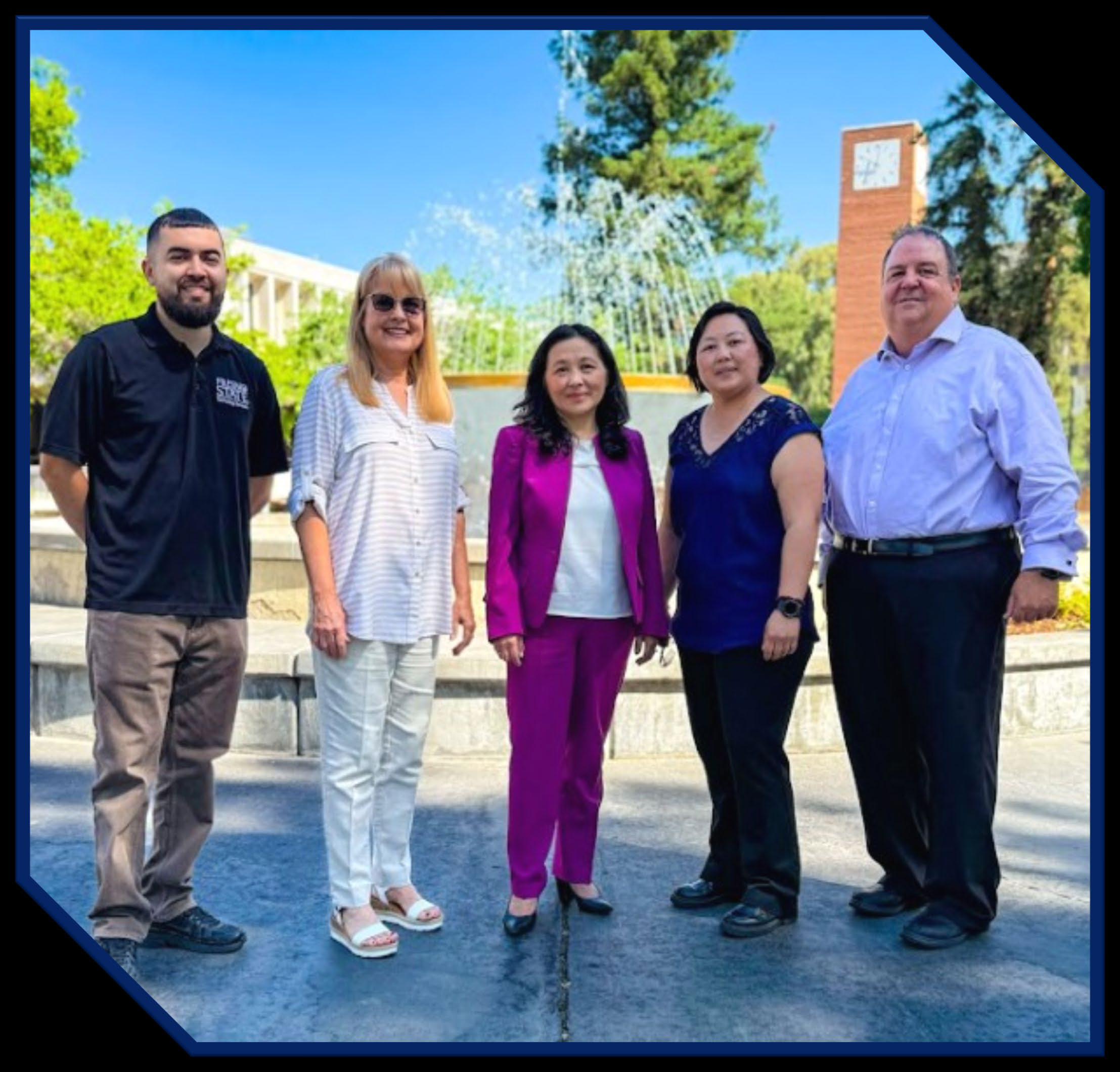
Dr. Bao Johri
From left: Miguel Villasenor, Elise Rodriguez, Bao Johri, Vangshoua Yang, Jerome Hilscher
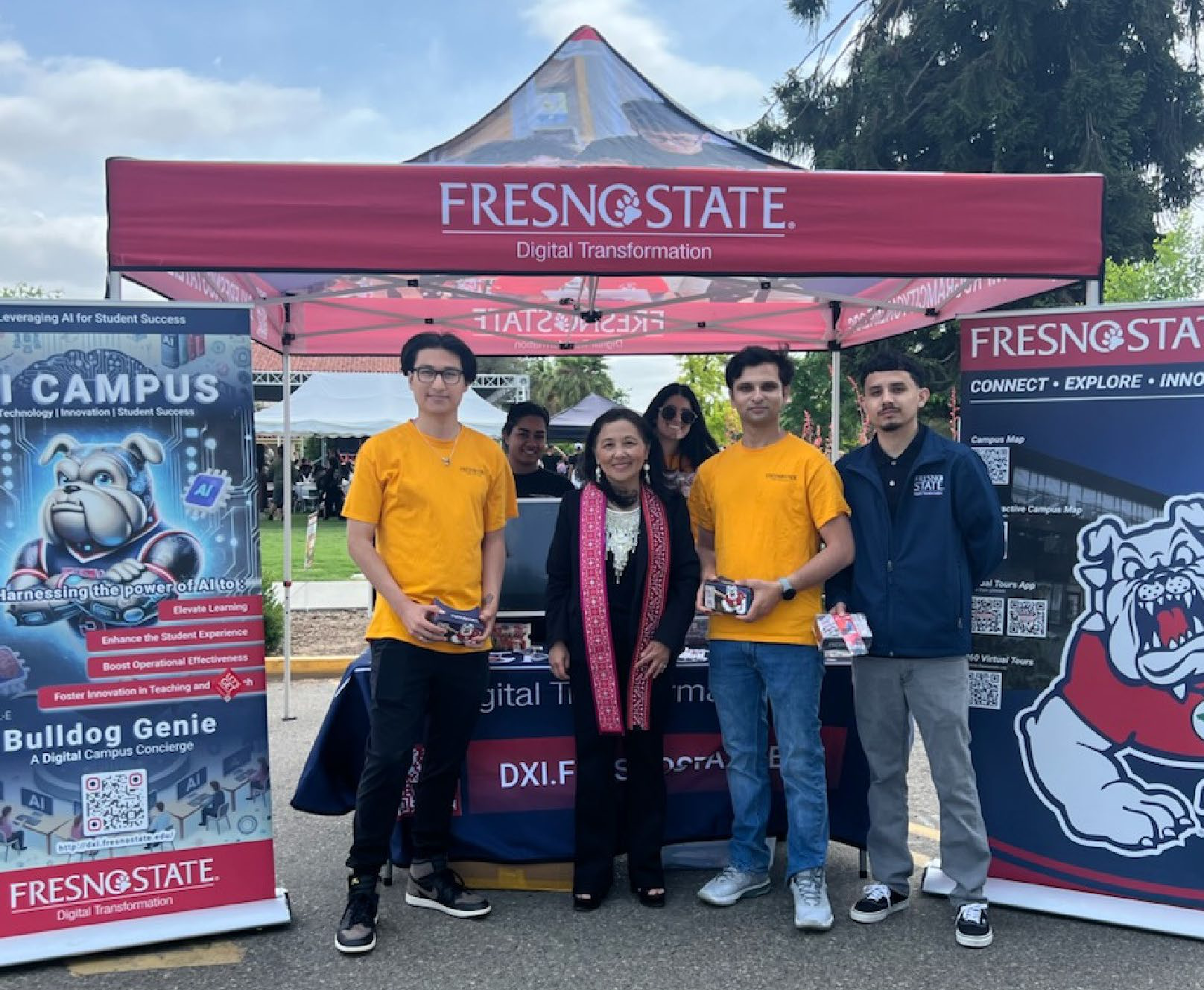
Technology Services hosts a booth at
Hmong Heritage Education Day
Division Activities
Campus High Fives
May 1, 2024, through April 30, 2025
Celebrating Excellence in Action
Recognition from peers speaks volumes—it reflects the outstanding dedication of our Technology Services staff. Your commitment to going above and beyond has exceeded expectations and also made a meaningful impact across our campus.
Thank you for your exceptional service, attention to detail, and the care you bring to every interaction. Your efforts leave a lasting impression. Congratulations on a job well done!
- Goes Above and Beyond
- John Howell
- Keith Finch
- Andrew Lohuis
- Brian Mills
- Richard Ma
- Pawn Sayphengsy
- Jay Fowler
- Kris Ratliff (2)
- Glen Hunt
- Phillip Jensen (2)
- Alex Moun
- Dr. Teira Wilson (2)
- Eileen Schlundt
- Saved My Bacon
- Mike Mize
- Kris Ratliff
- Guillermo Gaeta
- Alex Moun
- Models Principles of Community
- Esuri Peiris (2)
- Sarah Kern
- Provides Excellent Customer Service
- Guillermo Gaeta
- Jeff Colvin
- Kong Lee (2)
- Ivan Reed (2)
- Eileen Schlundt (2)
- Will Tubbs
- Fatih Yenen (2)
- Jay Fowler
Events and Celebrations
The Technology Services Event Team (E-Team)
Events
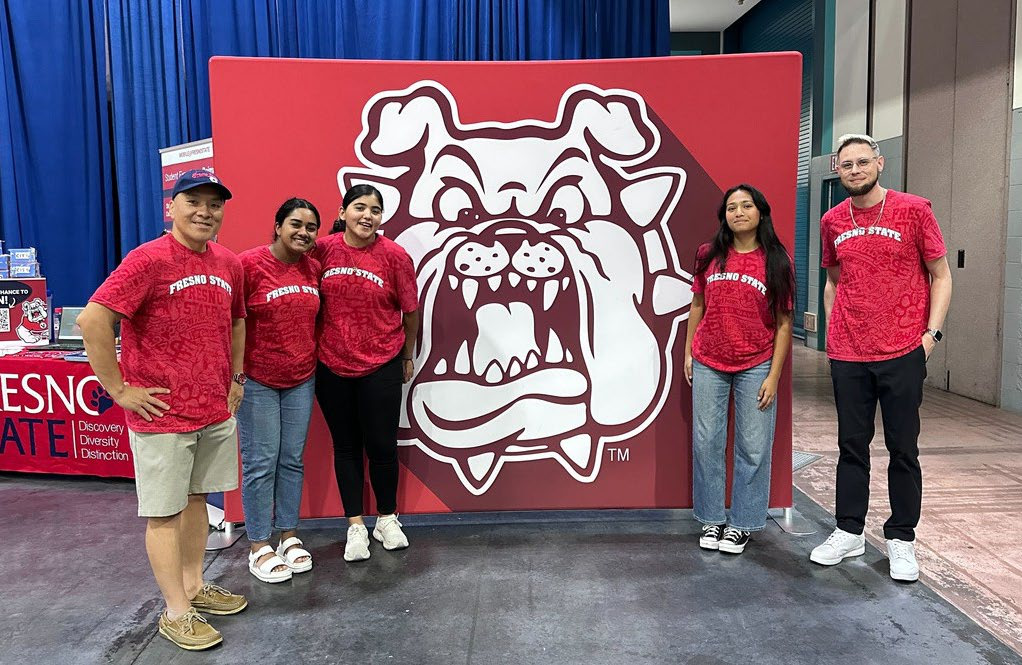
- Technology Services Volunteers Bulldog Bound Event
- Cybersecurity Internship Awards Ceremony
- Star Day Celebration
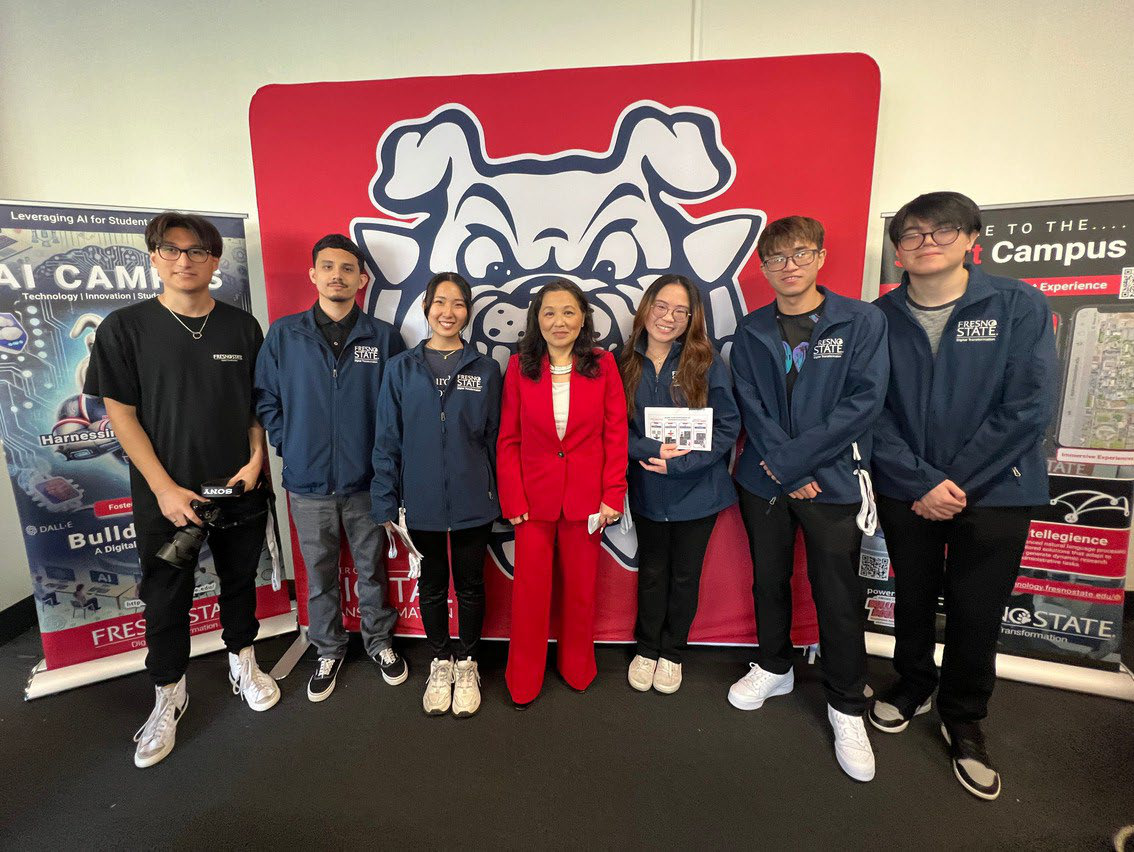
- AI Immersion Day
- Hmong Heritage Day


Community Engagement

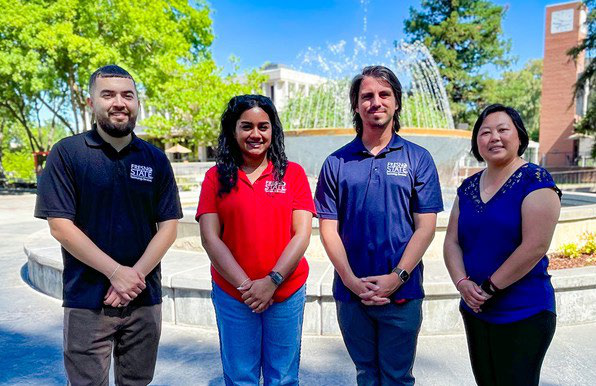
Technology Services volunteers at Dog Days.

This PDF is provided as a print-only reference document and may not be fully accessible to users of assistive technology. For more information, please visit Title II Rule on Digital Accessibility page.